Amendments arrive as whole documents
A revised protocol or consent form is usually a complete new file. Finding what changed means rereading dozens of pages or trusting that the summary of changes caught everything.
Clinical research
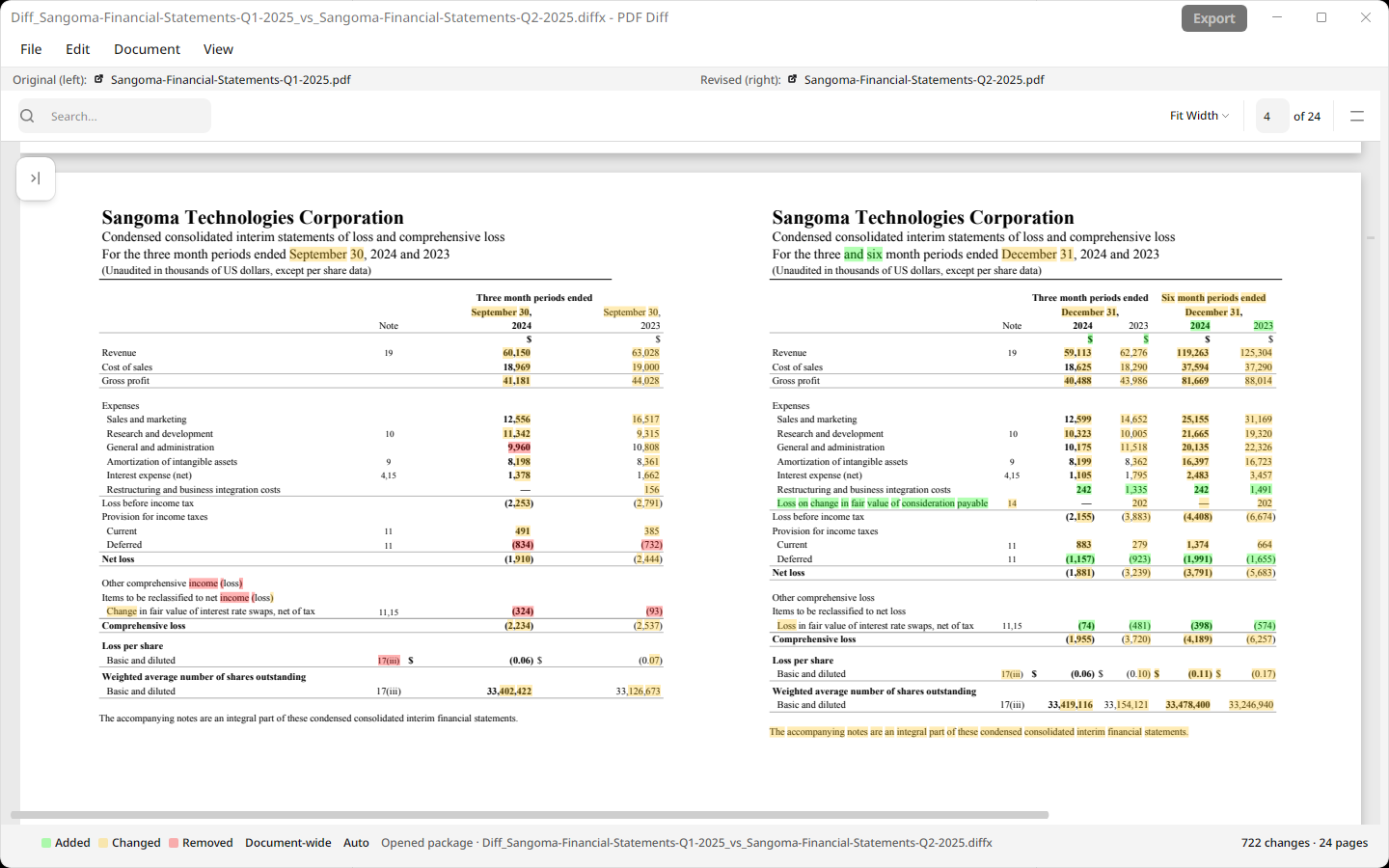
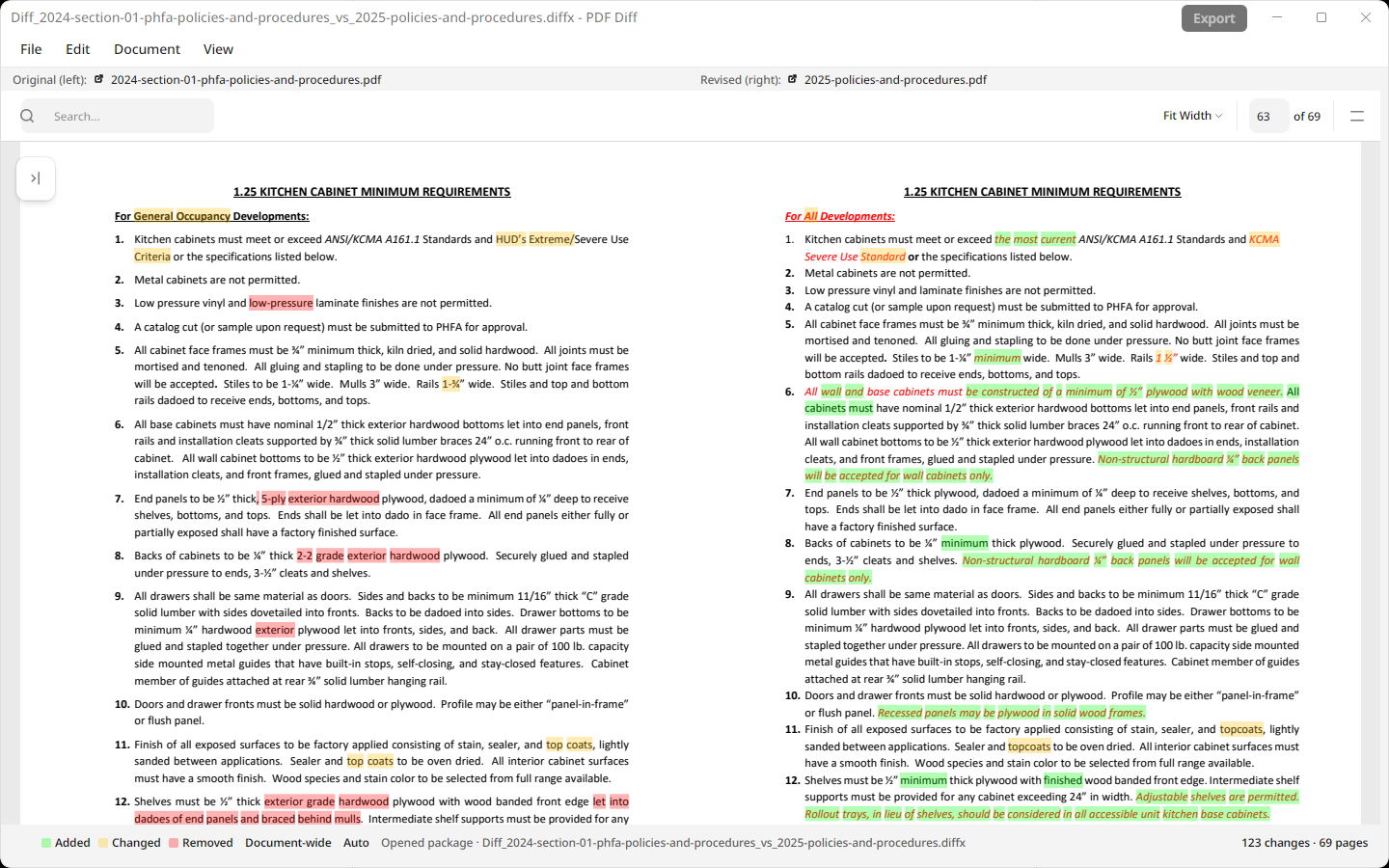
When an amendment arrives, PDF Diff puts the previous and revised documents side by side and highlights every addition, edit, and deletion. Study teams, regulatory staff, and IRB reviewers can check the changes against the summary of changes. It runs on your computer, so unpublished protocols and draft consent forms are never uploaded.


A revised protocol or consent form is usually a complete new file. Finding what changed means rereading dozens of pages or trusting that the summary of changes caught everything.
When procedures, schedules, or risks change in the protocol, the consent form has to say so in plain language. Each version needs checking against the one before it.
Study calendars and schedules of assessments are dense tables, where a dropped visit day or a moved mark is easy to miss.
Draft protocols and consent forms often can’t go into web-based comparison tools. Many organizations restrict uploading unpublished study documents to outside services.
Open the earlier version on the left and the later one on the right, press Start, and review the highlighted result.
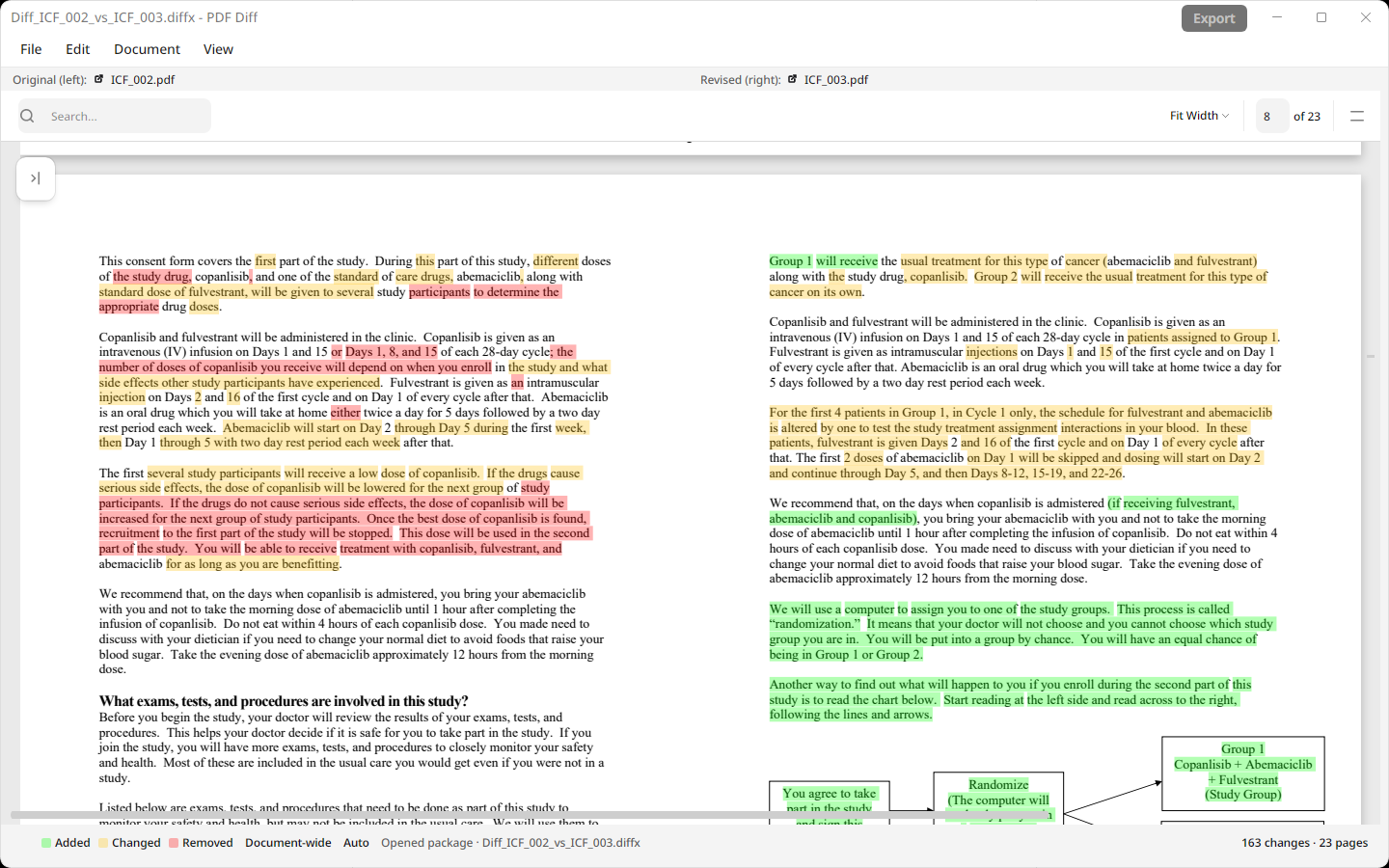
Added text is green, changed text amber, and removed text red, with the original and revised pages side by side.
Auto alignment matches pages by their content, so added or removed pages don’t throw off the rest of the comparison.
Export a highlighted, side-by-side PDF to keep with your review notes or send to a colleague. Or save a .diffx file to reopen the comparison later.
Compare .docx drafts of a consent form directly, alongside PDFs. PDF Diff converts them to PDF on your computer first.
Text extraction, page matching, and comparison all run locally. There’s no account and no upload, and comparisons work offline.
Real documents, compared in the app
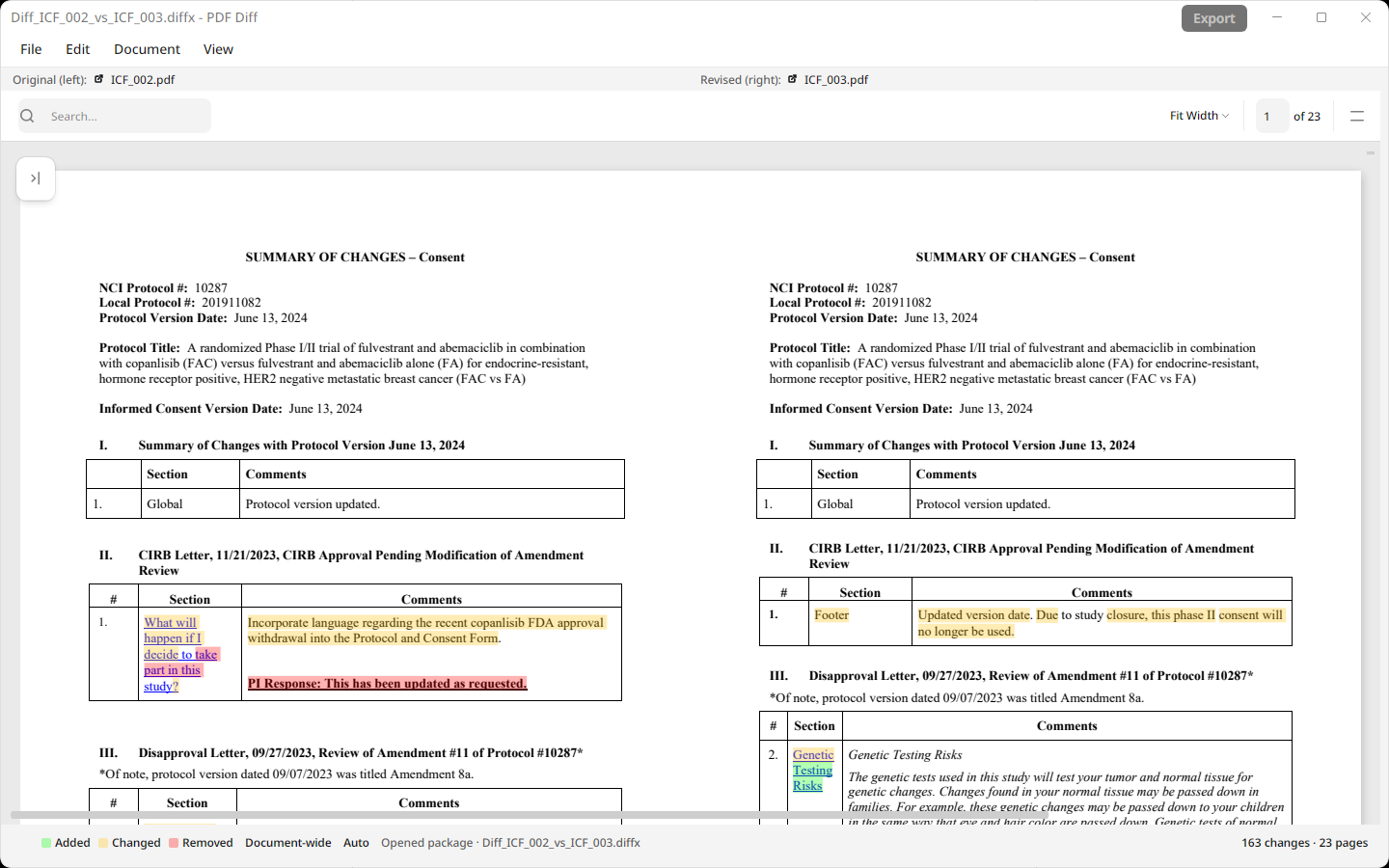
PDF Diff includes this comparison under Examples › Clinical Trial Protocol. It compares two informed consent documents, ICF_002 and ICF_003, prepared for NCI protocol 10287. That trial is a randomized Phase I/II study of fulvestrant and abemaciclib, with or without copanlisib, in hormone receptor–positive, HER2-negative metastatic breast cancer.
Each document opens with a Summary of Changes that responds to NCI Central IRB review letters, followed by a consent form based on the NCI Consent Form Template for Adult Cancer Trials. The first is the Phase 1 consent and the second is the Phase 2 consent. The comparison shows how the study description, dosing schedule, procedures, and study calendar differ.
Try it yourself: in PDF Diff, choose Examples in the menu bar, or on the empty History screen, then Clinical Trial Protocol. The result is included, so it opens without running a new comparison.
Text extraction, page matching, and comparison all run on your Mac or PC. PDF Diff doesn’t upload your files, extracted text, or results to Palm Hill or any comparison service.
Yes. Open the previous version on the left and the amended version on the right. PDF Diff compares the text of any two PDFs, so it works for protocols, consent forms, investigator brochures, and other study documents.
PDF Diff compares the text inside tables like any other text, so changed, added, and removed entries are highlighted. A dense calendar can produce many small highlights, so review those pages closely.
No. Document processing, page matching, and comparison run on your computer. Your files and results aren’t sent to Palm Hill or to a comparison service. App privacy details.
No. PDF Diff is a review aid for finding differences between documents. It isn’t a validated computer system or an electronic records system, so keep your organization’s document control and review procedures in place.
Yes. PDF Diff accepts Word (.docx) files alongside PDFs and converts them to PDF on your computer before comparing. Save older .doc files in the .docx format first.
PDF Diff compares the text inside PDFs. For image-only scans, add selectable text with an OCR tool first, then compare the resulting PDFs.
Free to install. Your documents stay on your computer.