New editions without redlines
Many agencies publish each edition of their guidelines as a clean document, without a list of every edit.
Architecture and planning
Agencies and municipalities republish design guidelines, zoning ordinances, and submission requirements as complete new PDFs. PDF Diff lines up the old and new editions and highlights each added, changed, and removed requirement, so you can see what affects your project.


Many agencies publish each edition of their guidelines as a clean document, without a list of every edit.
A new minimum thickness, or a requirement that now applies to every development, can change a specification, a budget, or a submission.
Guidelines and ordinances run to dozens or hundreds of pages, and most of each new edition is unchanged.
A project designed under last year’s requirements may be reviewed under this year’s. You need to know exactly what moved.
Open the earlier version on the left and the later one on the right, press Start, and review the highlighted result.
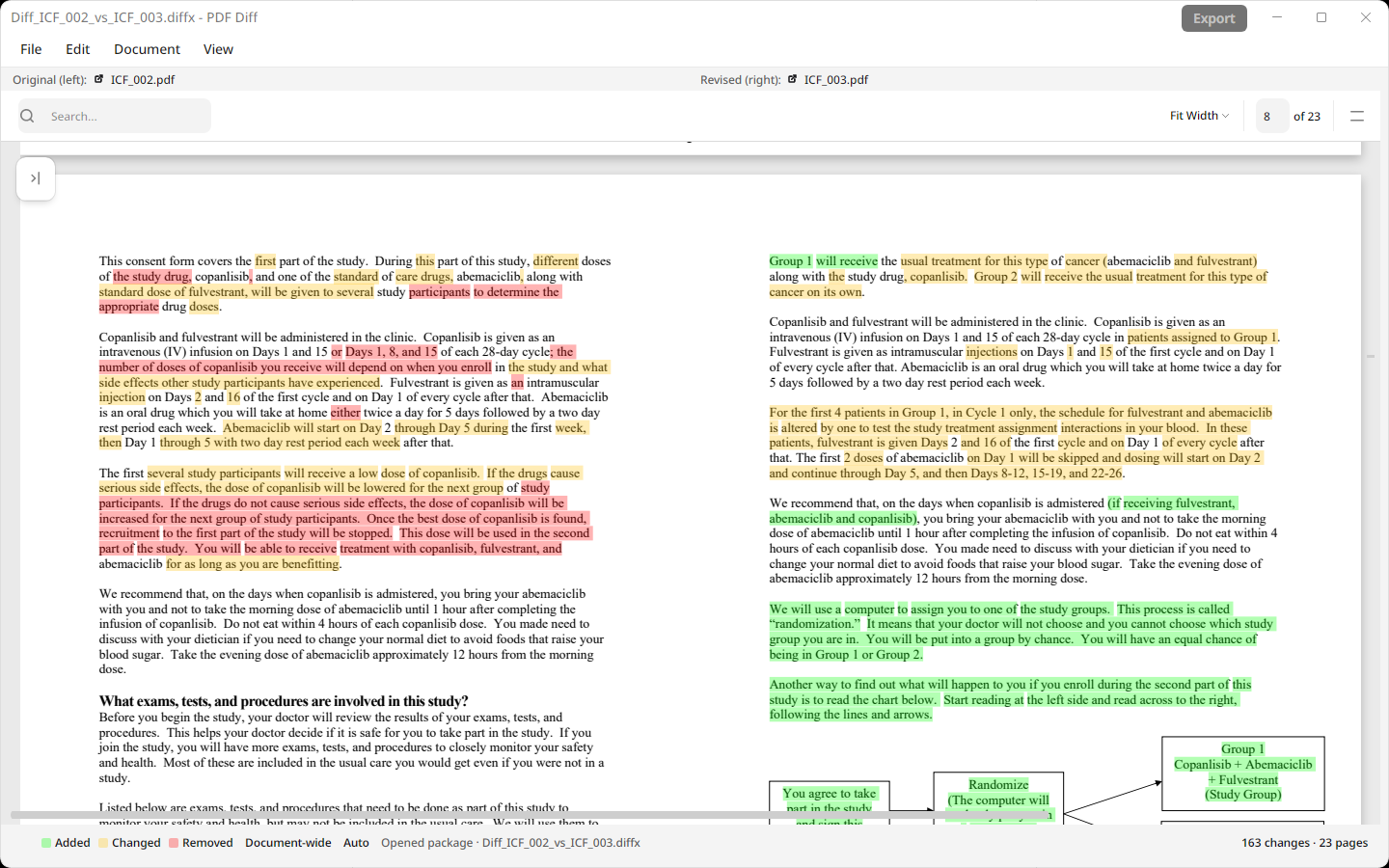
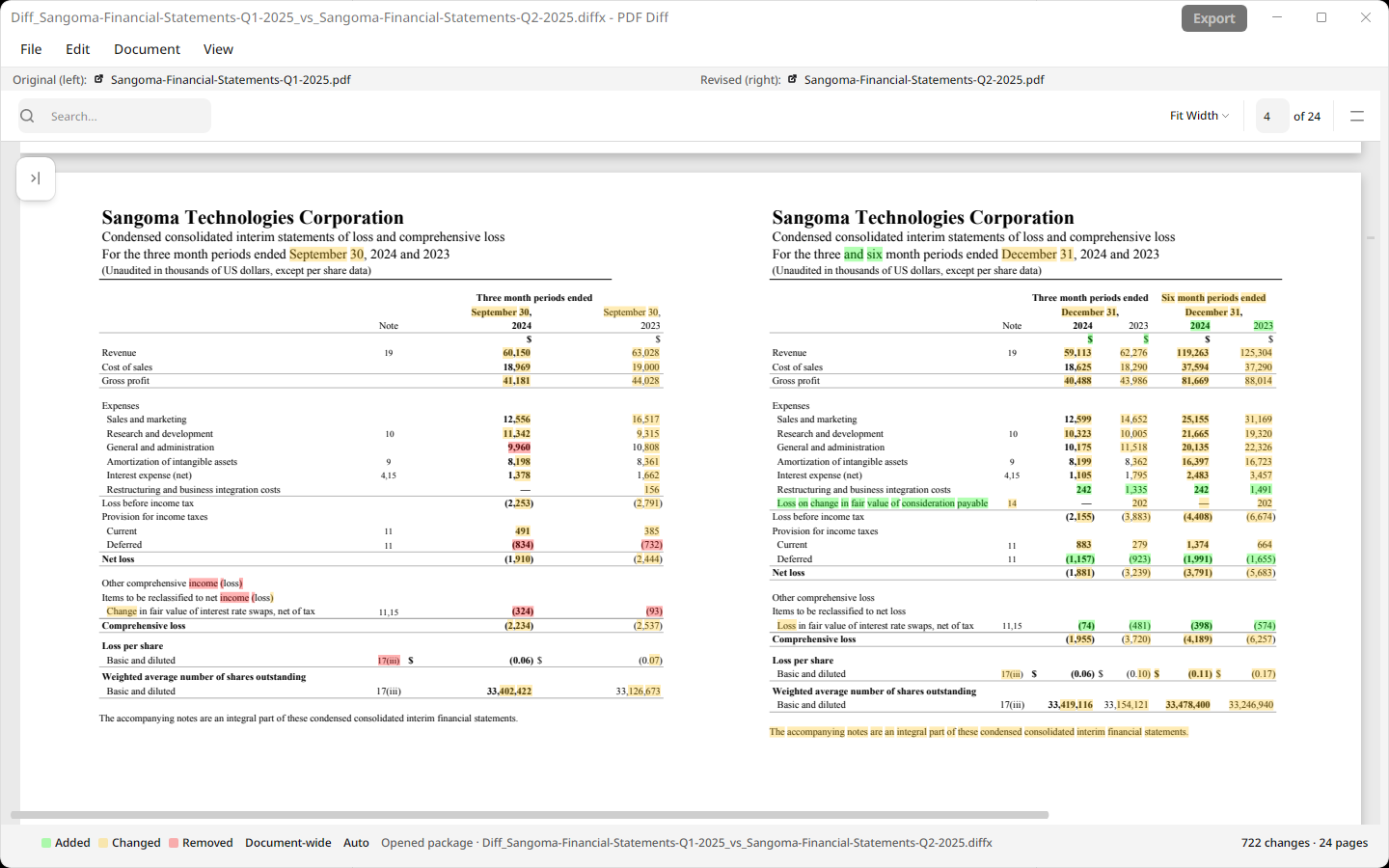
New requirements are green, changed terms and dimensions amber, and removed text red, page beside page.
When sections are added or removed, Auto alignment matches pages by their content, so the rest of the document still lines up.
Export a highlighted, side-by-side PDF for your consultants or client, or save a .diffx file to reopen later.
Compare .docx specifications and narratives alongside PDFs. PDF Diff converts them to PDF on your computer first.
Documents are processed on your computer, with no account and no upload.
Real documents, compared in the app
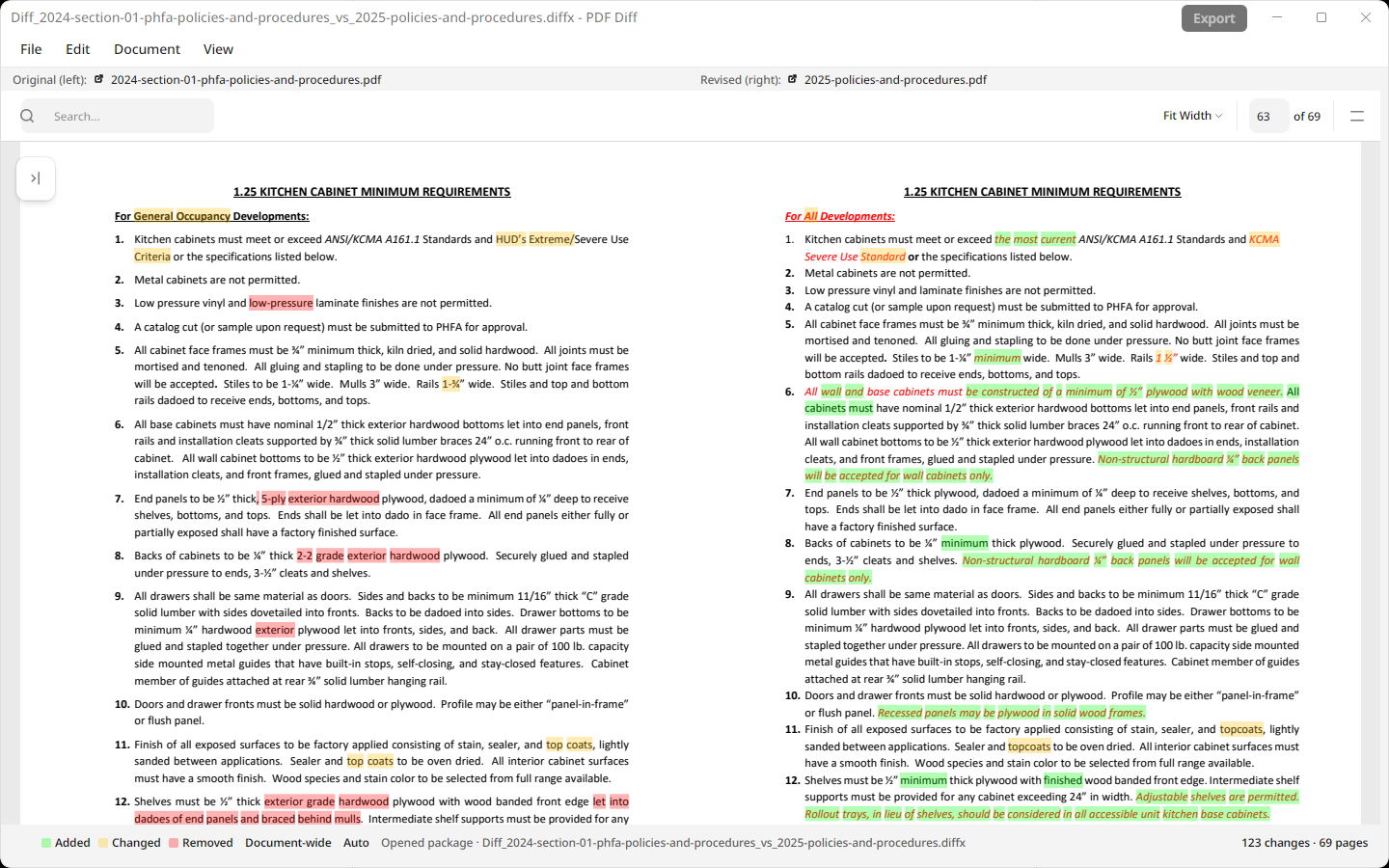
Under Examples › Architecture Guidelines, PDF Diff compares the 2024 and 2025 editions of Section 1, PHFA Policies and Procedures, from the Pennsylvania Housing Finance Agency’s Submission Guide for Architects. The section sets requirements for developments the agency finances, covering accessibility, professional fees, energy conservation, radon protection, kitchen cabinets, and more.
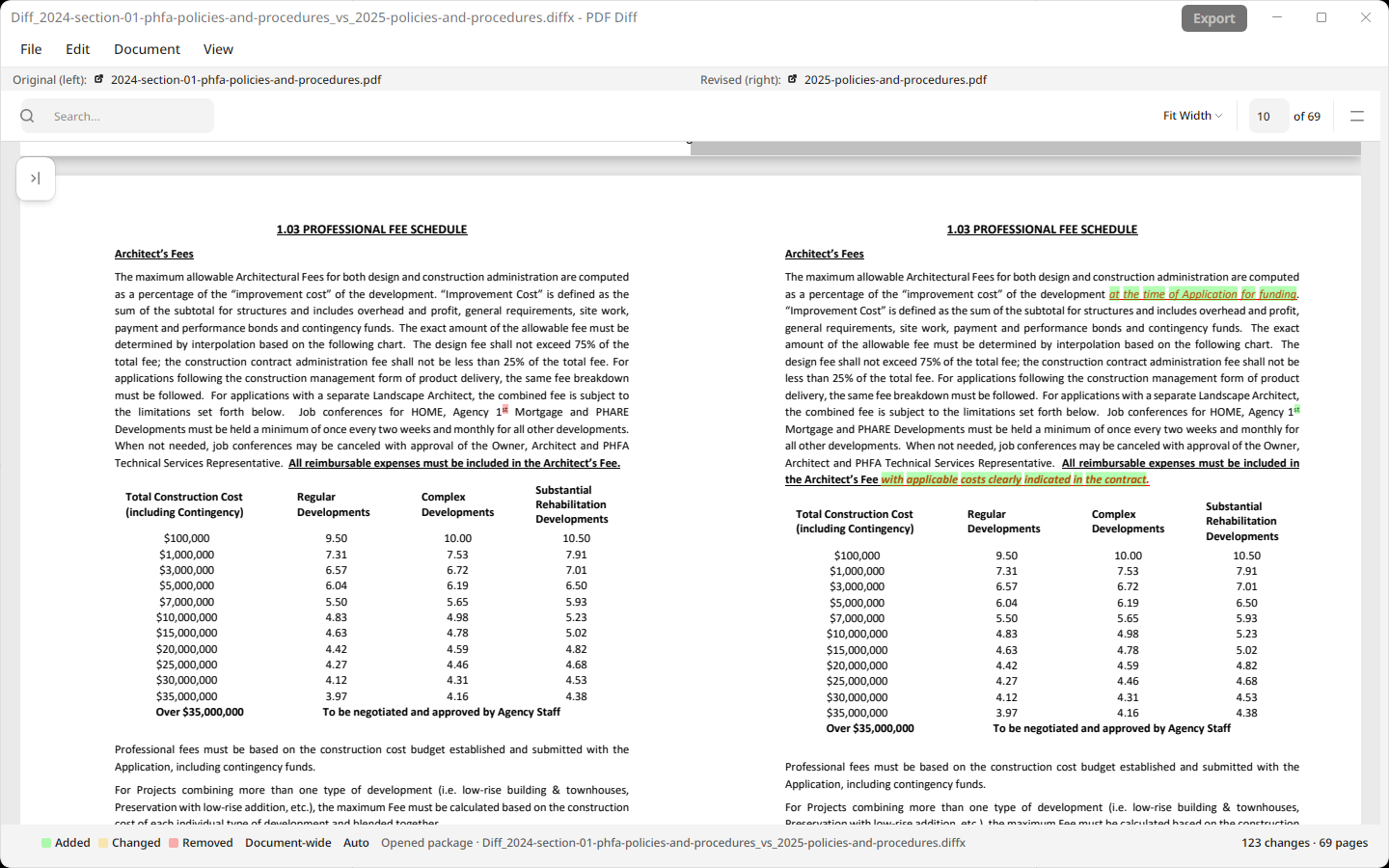
In the 2025 edition, for example, the kitchen cabinet minimum requirements apply to all developments rather than general occupancy developments. The professional fee schedule now measures the improvement cost at the time of the application for funding.
Try it yourself: in PDF Diff, choose Examples in the menu bar, or on the empty History screen, then Architecture Guidelines. The result is included, so it opens without running a new comparison.
Text extraction, page matching, and comparison all run on your Mac or PC. PDF Diff doesn’t upload your files, extracted text, or results to Palm Hill or any comparison service.
PDF Diff compares text, not linework. It can show changed notes and schedules in drawing PDFs that contain selectable text, but it doesn’t detect changes to the drawings themselves.
Auto alignment matches pages by their content rather than page numbers, so it can follow inserted, removed, and moved pages. Review the result closely when a document has been substantially reorganized.
PDF Diff compares the text inside PDFs. For image-only scans, add selectable text with an OCR tool first, then compare the resulting PDFs.
No. Document processing, page matching, and comparison run on your computer. Your files and results aren’t sent to Palm Hill or to a comparison service. App privacy details.
Yes. PDF Diff accepts Word (.docx) files alongside PDFs and converts them to PDF on your computer before comparing.
Free to install. Your documents stay on your computer.